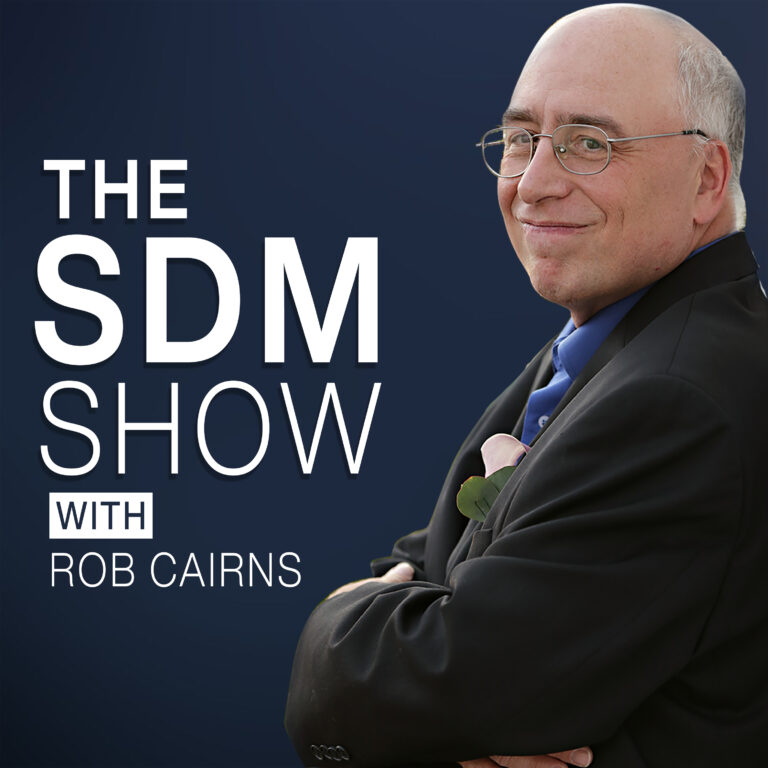
Episode 636 All-In-One WP Migration With Mo Hawwas
Show Highlights
This episode of the SDM Show Podcast features an interview with Mo Hawwas from ServMask, the company behind the popular All-in-One WP Migration plugin. The discussion covers the history of the plugin, its core features, and how it simplifies the process of moving WordPress websites.
Thank You To Our Sponsor
Thanks you to our sponsor, All-in-One WP Migration by ServMask. Export your entire WordPress site in one click, import it anywhere. No server access needed, no command line, works with every hosting provider. Free on wordpress.org, Pro extension at servmask.com.
Show Notes
Interview Highlights
- Plugin Origins: Mo Hawwas discusses the early days of ServMask and the development of All-in-One WP Migration, which was created to address the complexities of manual website migrations.
- Ease of Use: A primary focus of the plugin is its “one-click” approach, designed to be accessible for users of all technical levels.
- The ServMask Team: Hawwas shares insights into the team behind the plugin and their commitment to providing reliable migration tools and support.
Key Features of All-in-One WP Migration
- Comprehensive Backups: The plugin creates a single file containing the entire WordPress installation, including the database, media files, plugins, and themes.
- Find and Replace: During the import process, the plugin automatically performs a find-and-replace on the database to ensure all URLs and paths are correctly updated for the new environment.
- Bypassing Upload Limits: The plugin is designed to handle migrations even on servers with restrictive upload size limits by processing the data in smaller chunks.
- Extensive Extensions: While the core plugin is free, ServMask offers various paid extensions for migrating to cloud storage providers like Google Drive, Dropbox, and Amazon S3.
Advice for Smooth Migrations
- Always Backup First: Before starting any migration, ensure you have a complete, recent backup of your site.
- Check Plugin Compatibility: While All-in-One WP Migration is highly compatible, it’s good practice to ensure your destination server meets the basic requirements for WordPress.
- Utilize Support: If you encounter issues during a migration, the ServMask team provides support to help resolve technical hurdles.
 PocketCasts
 Radio Public
 Spotify
 Stitcher
 Apple Podcasts
 Amazon Music