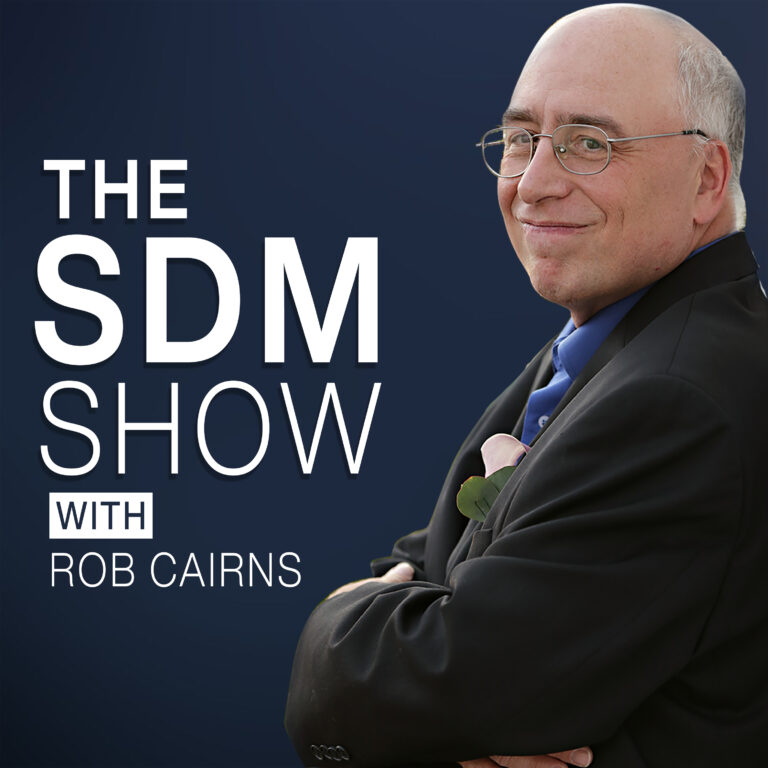
Episode 653 Security For Agencies With Ryan Waterbury
Show Highlights
In this episode, Rob Cairns, the founder and CEO of Stunning Digital Marketing, is joined by Ryan Waterbury of One-Dog Solutions to dive deep into the critical world of WordPress security for agencies. They discuss the shifting landscape of digital threats, the importance of proactive security measures, and the common pitfalls agencies face when managing client websites.
Thank You To Our Sponsor

Thanks you to our sponsor, All-in-One WP Migration by ServMask. Export your entire WordPress site in one click, import it anywhere. No server access needed, no command line, works with every hosting provider. Free on wordpress.org, Pro extension at servmask.com.
Show Notes
Key Discussion Points
- The Evolution of Security Threats: Rob and Ryan highlight how the window for addressing exploits has shrunk from months or years to mere hours and minutes.
- Agency Accountability: A major critique is leveled against agencies that claim to offer security care plans but only perform updates sporadically (e.g., once a week or even once a year).
- The Importance of Timely Updates: Ryan shares his rigorous process of updating all managed sites three times a week, moving beyond the outdated standard of weekly updates.
- User Management and Privilege: The risks of excessive administrator accounts and the necessity of removing access for former employees are discussed as vital security steps.
- Enforcing Security Protocols: Rob details his strict “One Admin” policy and the use of forced complex passwords and regular password rotations (every 90 days) to mitigate risks.
- Robust Backup Strategies: The conversation covers the 3-2-1 backup philosophy: keeping three copies of the site across two separate locations, with at least one off-site.
- The Impact of AI on Security: The duo explores how AI is being used both to uncover vulnerabilities in tools like C-Panel and RustDesk and the dangers of “vibe coding” without a foundational understanding of security.
Technical Security Checklist
- Updates: Check for plugin and WordPress core updates multiple times per week.
- Authentication: Always enable Two-Factor Authentication (2FA) and use a dedicated password manager.
- Access Control: Limit administrator privileges to only those who absolutely need them; use lower-level roles for content creators.
- Backups: Ensure backups are taken daily (or even every 4 hours for high-traffic sites) and regularly test the restoration process.
- Storage: Never store site backups solely within the WordPress dashboard itself.
Sponsorship
This episode is brought to you by All-in-One WP Migration by ServMask. Trusted by over 60 million sites, it allows you to export and import your entire WordPress site with just one click. Learn more at WordPress.org or ServMask.com.
Dedication
This episode is dedicated to the memory of Nancy Houle.
 PocketCasts
 Radio Public
 Spotify
 Stitcher
 Apple Podcasts
 Amazon Music