Episode 702 Gravity Kit With Casey Burridge
Show Highlights
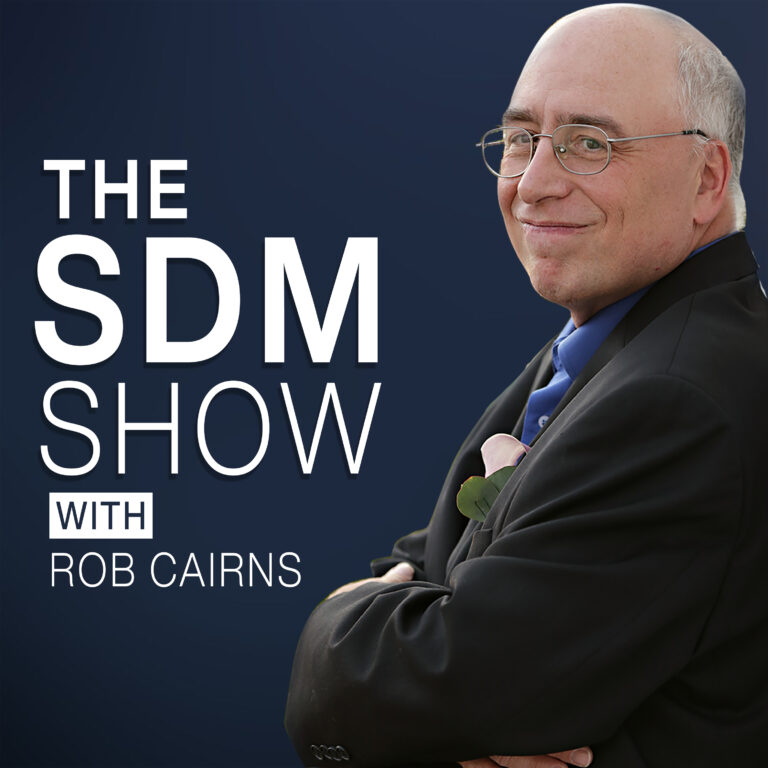
In this episode of The SDM Show, host Rob Cairns sits down with Casey Burridge from GravityKit to discuss how website owners, agencies, and businesses can turn raw form data into fully functional web applications.
Casey shares his journey into WordPress—from teaching English in China and running personal blogs to working in ad-tech analytics and freelancing before joining GravityKit. Rob and Casey also discuss current trends across the web space, including the necessity of consistent marketing, the double-edged sword of AI in content and security, and the critical need for proactive form testing.
The core discussion dives deep into the GravityKit ecosystem, detailing how its suite of add-ons transforms Gravity Forms entries into front-end directories, client dashboards, interactive charts, and secure reports without writing custom code. They wrap up with an overview of page builder integrations, AI MCP server connectivity, pricing tiers, and exciting new roadmap developments like cross-plugin form migrations.
Thank You To Our Sponsor

Thanks you to our sponsor, All-in-One WP Migration by ServMask. Export your entire WordPress site in one click, import it anywhere. No server access needed, no command line, works with every hosting provider. Free on wordpress.org, Pro extension at servmask.com.
Show Notes
Key Takeaways & Discussion Highlights
- Marketing Consistency Over Feasts & Famines: Rob and Casey emphasize that marketing must happen 365 days a year—not just when client work dries up.
- AI & Web Security: While AI provides efficiency and accelerates the discovery of long-standing software vulnerabilities, it also risks flooding the internet with low-quality content and introduces token costs and liability concerns.
- Moving Beyond Form Submissions: Many site owners collect data via forms only to let it sit unused in the database. GravityKit allows teams to turn that data into directories, student portals, and dashboards.
- Security & Front-End Access: Instead of giving clients or team members risky WordPress administrator logins just to view submissions, GravityKit enables secure, customized front-end views and restricted reports.
- Page Builder & Block Support: While GravityView includes a native drag-and-drop View Builder, it also provides dedicated integrations for Elementor, Divi, Beaver Builder, and the WordPress Block Editor, alongside shortcode support.
- AI via Model Context Protocol (MCP): GravityKit offers an optional MCP server integration, allowing AI assistants like Claude or ChatGPT to configure forms and views while keeping token usage and connectivity under user control.
- GravityMigrate & Cross-Plugin Transfers: GravityKit recently updated GravityMigrate to allow seamless form migration not only between WordPress sites, but also from third-party plugins like Ninja Forms and Formidable Forms into Gravity Forms.
- Don’t Forget to Test Your Forms: Rob highlights that forms and their associated webhooks/APIs (Zapier, CRMs, email tools) frequently break silently after minor site changes; regular, proactive testing across the entire workflow is essential.
 PocketCasts
 Radio Public
 Spotify
 Stitcher
 Apple Podcasts
 Amazon Music